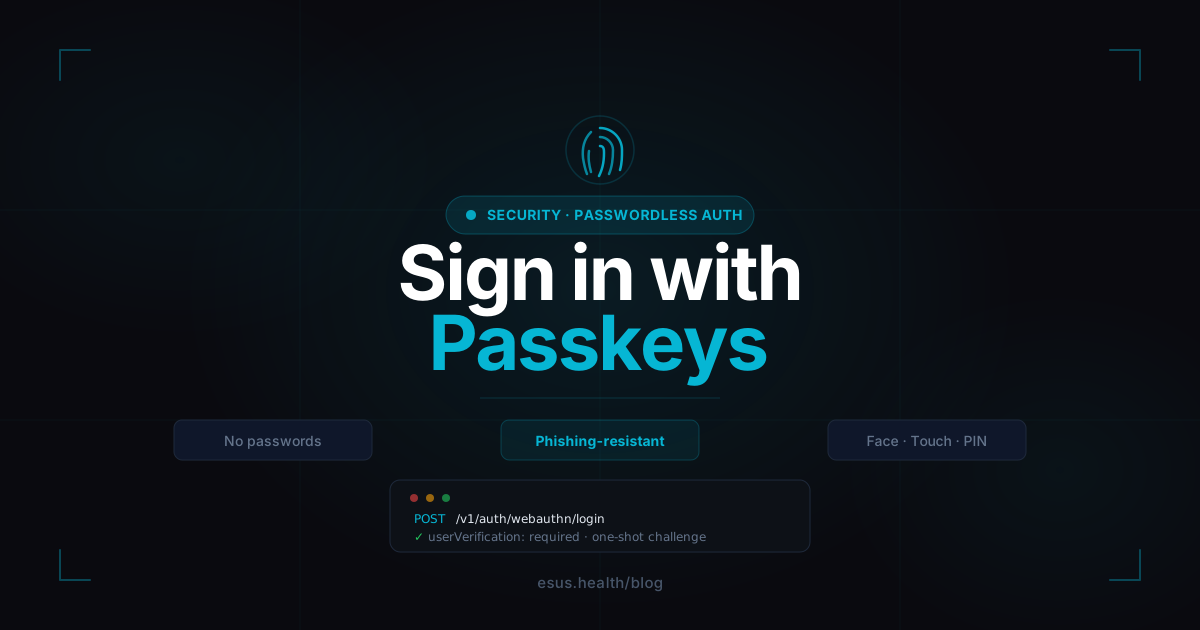

Passkeys Are Here: Passwordless Sign-In for Every App
The strongest password is no password. Passkeys are now available in Esus, and you can enable them per app straight from the console. Your users sign in with Face ID, Touch ID, a fingerprint, or their device PIN — nothing to remember, nothing to leak.
Turn it on from the console — per app
Passkeys ship as an opt-in. Open your app in the console, go to the Providers tab, and flip on Passkeys. That’s it — the moment you save, the WebAuthn endpoints go live for that app.
Because it’s per-app, you decide where passwordless makes sense. A clinical portal handling PHI can require the strongest auth available, while a low-stakes internal tool keeps things simple. When the toggle is off, the passkey endpoints don’t just reject requests — they answer 404. The feature is invisible until you choose to expose it (fail closed).
What your users experience
The first time, they enroll a passkey from their account: one biometric prompt and their device creates a key pair. The private key never leaves the device; only the public key reaches us.
After that, signing in is a single gesture — a glance, a fingerprint, a PIN. No email, no password, no code to copy from another screen. Because we use discoverable credentials, login is even usernameless: pick the account, confirm with your face, and you’re in.
Why passkeys beat passwords + 2FA
A passkey isn’t “a nicer password.” It’s a fundamentally different security model:
- Phishing-resistant. The credential is cryptographically bound to your app’s real domain. A look-alike phishing site can’t trigger it, because the browser refuses to hand a passkey to the wrong origin. This is the attack passwords and even SMS/email codes can’t stop — and it’s the number-one way medical accounts get breached.
- Nothing to steal in a breach. We only store public keys. There’s no password hash to crack, no shared secret to leak. A database dump gives an attacker nothing to sign in with.
- Two factors in one gesture. With
userVerification: required, every passkey login proves possession of the device and biometric/PIN — that’s already two factors, phishing-resistant, in a single tap. It’s strictly stronger than password + TOTP, which is why a passkey login deliberately skips the extra 2FA step (the same choice Google, Apple, and GitHub made).
Under the hood
A few decisions that matter even if you never see them:
- One-shot challenges. Every ceremony gets a fresh challenge stored in Redis with a 5-minute TTL and consumed atomically (
GETDEL). A captured response can never be replayed, and a challenge minted for one app can’t be answered through another. - Origin bound to your app. The relying-party ID derives from your app’s
site_url, and the accepted origins come from the exact same allow-list your CORS layer already uses. One source of truth, no drift. - Enrollment is the guarded step. Adding a passkey requires a step-up — your password, or a TOTP code for OAuth-only accounts — on top of a live session. A stolen access token alone can’t silently plant a new passkey.
- Same tokens as a normal login. A passkey login returns the exact same session (short-lived JWT + refresh token) as password sign-in, so nothing downstream in your app needs to change.
Compliance and privacy
Passkeys line up cleanly with our HIPAA posture: no shared secrets on our side, phishing-resistant authentication for accounts that touch protected data, and full audit trails on enrollment and login. For high-sensitivity apps, passkeys are the strongest front door we can give you today.
Available now
Passkeys are live in production. Existing password and Google sign-in keep working exactly as before — passkeys are additive, not a migration. Open your app in the console, enable the toggle, and let your users switch to a login they’ll never have to think about again.
Related articles
Safer, Faster: How We Rebuilt Esus Login
We rebuilt Esus login from scratch with three goals: get you in faster, verify you're who you say you are, and resist the attacks that most commonly hit medical accounts.
Welcome to ESUS Health — A FHIR Backend for Medical App Developers
ESUS Health is a preliminary backend-as-a-service platform built specifically for medical applications. Learn how to get started, follow best practices, and build a real scheduling app with Next.js, shadcn/ui, and Axios.
Introducing MyClinic: Your Practice, Made Simple — With AI on Your Side
MyClinic is the app for healthcare professionals built on ESUS Health: scheduling, a public booking page so patients book themselves, patient records, AI-assisted clinical notes, and an installable app. With a genuinely generous free plan to start today.